
Jump to a section3 sections in this guide+
1. Across from The Buckingham
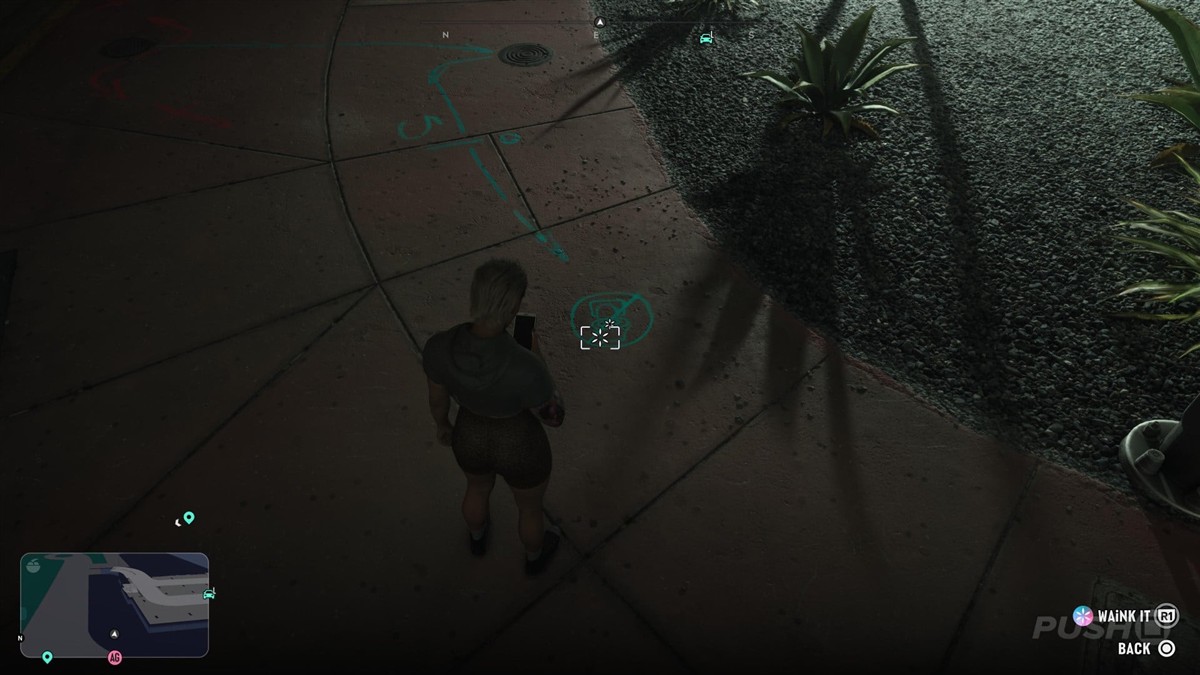
Locate the hotel frontage, then cross Shore Drive to the opposite pavement. Follow the planted bed to the curve in the paving. Look down along that edge for the small turquoise paint strokes. Open WAiNK and aim at the paint until the scan registers.

2. East of The Banana Hole main bar
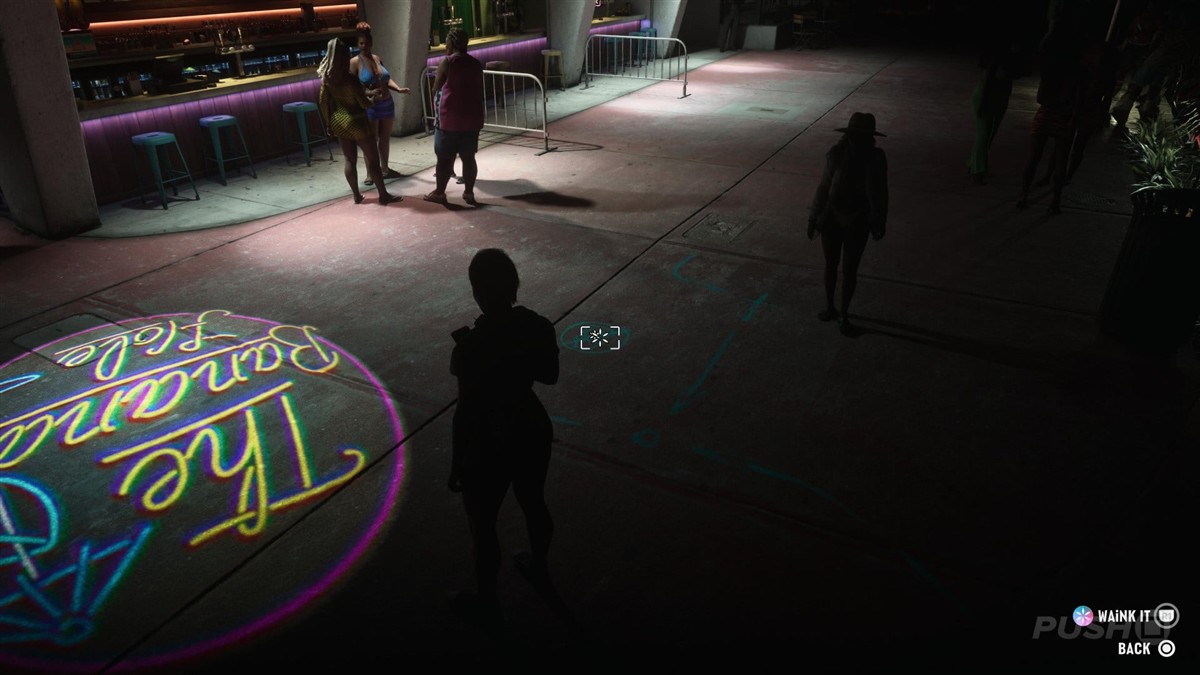
Stay on Shore Drive and locate The Banana Hole. Walk to the sidewalk just east of the main bar and find the round logo projected onto the ground. Move the phone away from the bright circle until the smaller utility marking beside it fills the center of the frame.

How to check that each scan counted
Open Progress → WAiNK Locations → No Flusher Tags and note your count before starting. Check again after each scan. The game tracks the total, so mark each stop as found on the atlas while you are still standing there. If the total stays the same, compare the shape of the paint with the photograph and check whether you scanned it earlier.
Washington Beach: the reported manhole
After the two Shore Drive stops, there is a separate lead in Washington Beach. Look along the row of buildings with rooftop helipads. Count from the northern end and inspect the sidewalk outside the second such building. The reported target is the cover of a manhole. Cal’s message about the markings is another clue, but the No Flusher counter in Progress is the way to check your scan.
The two Ocean Beach stops above have street-level photographs and map pins. The exact cover in Washington Beach has yet to be identified in a scan photograph.