
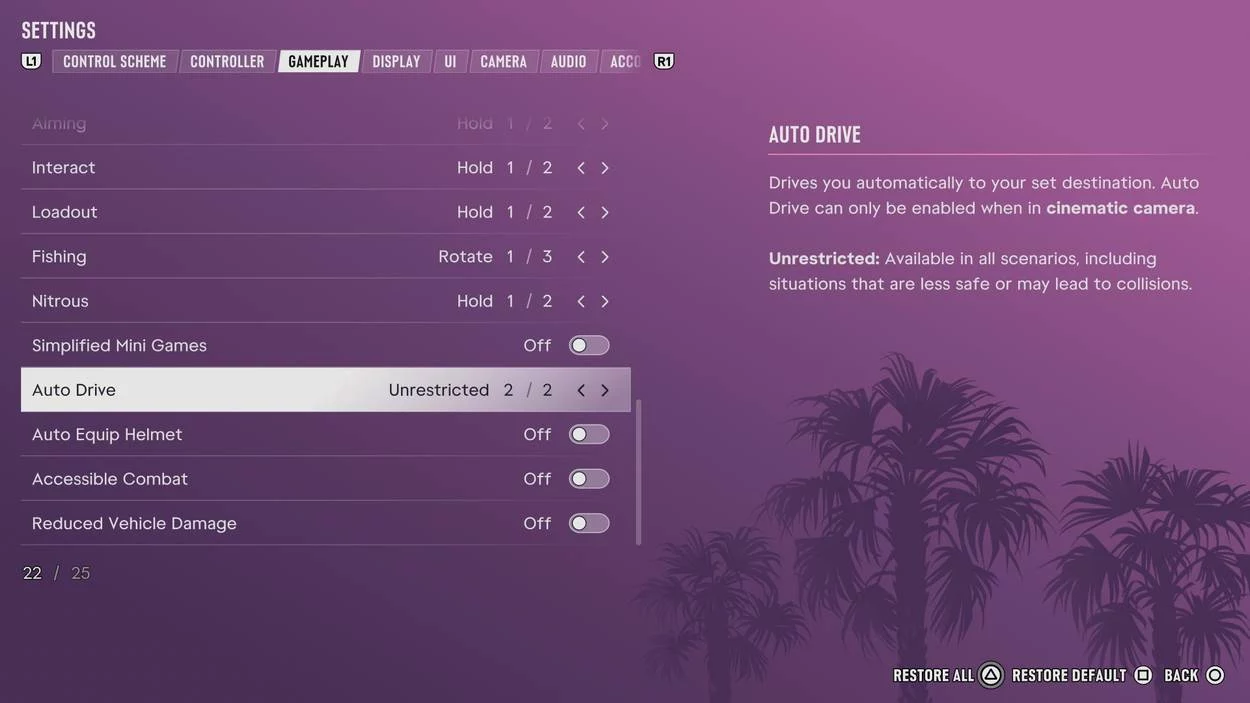
Save before leaving free roam
Pause and choose Game → Save. There are 15 slots. Reserve one for the end of the prologue and rotate a few others before major choices. A mission checkpoint can restart an objective, but it is a poor way to preserve an evening spent collecting items. If Save is unavailable, finish the mission, lose the wanted level and wait until the character is safe and on the ground.
Set the clock for a nighttime event
Use the bed at Jason’s house, lie down, select Sleep and set the alarm. Checking your phone while lying there does not advance the clock. In ordinary free roam, one in-game minute takes roughly six real seconds, or about two hours and 24 minutes per in-game day. A scripted mission can change the time immediately.
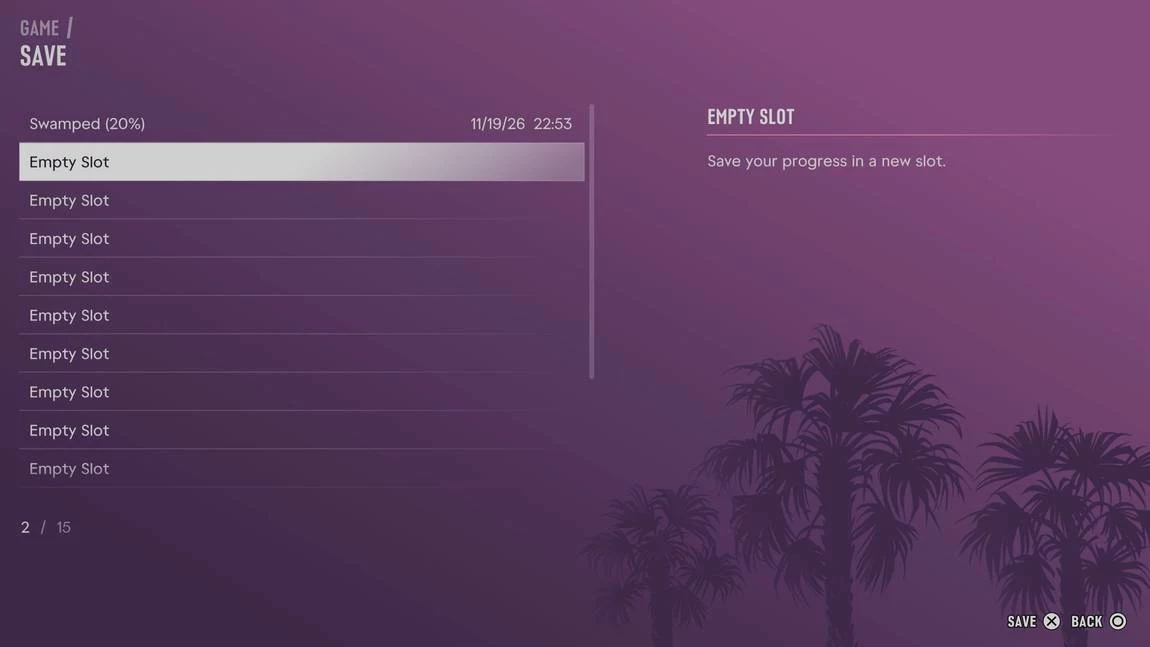
Use Auto Drive
Set a waypoint first if you want a particular destination. Hold D-pad Down in the vehicle to open the camera controls, use Pause to enter cinematic mode, then hold Circle on PS5 or B on Xbox. Hold D-pad Down again to take over. Under Gameplay → Accessibility, the Unrestricted setting also allows Auto Drive in situations where the default setting disables it.
Switch between Jason and Lucia
Finish Breakfast Run in Chapter 2 to unlock free switching. Hold D-pad Right to bring up the portraits and select your character. The same menu lets you call your partner over or split up. A J or L mission icon requires that protagonist; J/L lets you pick who goes alone. Health, focus and stamina are tracked separately.
Change radio station
Hold D-pad Left in the car and cycle with L1/R1 or LB/RB. Cross on PS5 or A on Xbox switches the radio off. The same menu has on-demand shows. If the controls seem unresponsive, wait for mission dialogue to finish. At the speaker beside the home gym, D-pad Left opens the station controls without a car.
Adjust walking and running
Under Gameplay → Movement, change Movement Speed to alter what a full stick tilt does. Combat Movement Speed has its own setting. If clicking the stick while crouched keeps you low when you want to run, try Stand & Sprint. Test the change outside combat before using it during a chase.
GTA 6 Beginner Guide: What to Know Before Playing · GTA VI guide directory