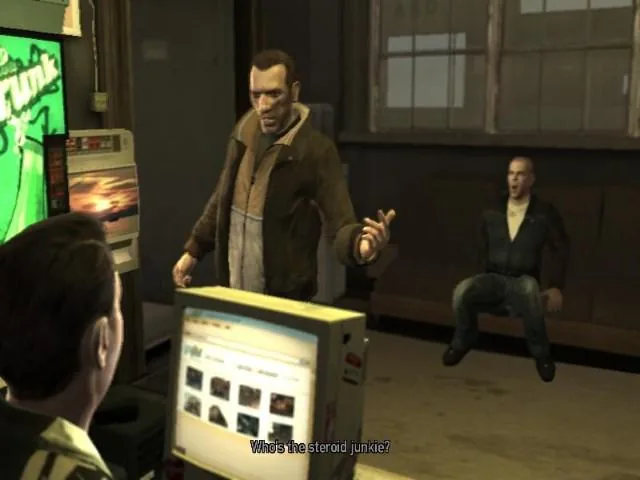
Roman introduces Niko to the internet café. Activate the email account properly so later jobs can use messages and online appointments.
- Mission contact
- Roman Bellic
- Starting location
- Express Car Service, Hove Beach, Broker
Mission walkthrough
-
Speak to the assistant
Go to the marked internet café and speak to the assistant inside. Move to an available terminal after the conversation; simply walking into the café does not complete the introduction.
-
Use the email account
Interact with the computer, open the email service and follow the account-activation message. Read and reply where prompted. This introduces the browser and email functions used by later missions.
-
Leave the café
Exit the computer interface, stand up and leave the building. Allow the closing call or completion message to finish before starting another activity. You can return to internet cafés later to check job messages.
Key point
If the mission remains active, revisit the account-activation email and check that you completed its requested response. Browsing unrelated sites does not substitute for activation.