Use a police computer to locate Lyle Rivas, then chase him out of his hiding place. The database step supplies the correct destination.
- Mission contact
- Brucie Kibbutz
- Starting location
- Brucie's Executive Lifestyle Autos, BOABO
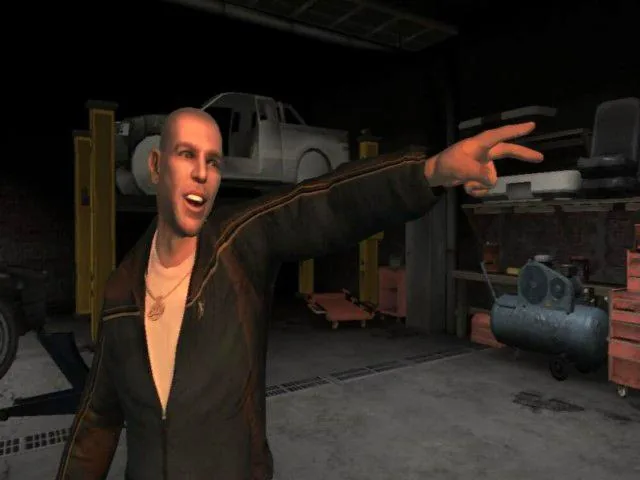
Mission walkthrough
-
Search the police database
Obtain a police car and access its computer while stationary. Search the records for Lyle Rivas and mark his address on the map. If you are wanted, lose the police before trying to use the computer.
-
Visit the address
Drive to Rivas’s home and approach the mission marker. He escapes when confronted, so return to your vehicle and begin the pursuit immediately.
-
Finish the chase
Follow Rivas through the route and wait for a workable opportunity to disable his car or eliminate him. The early chase is scripted until he leaves Bohan, so surviving those turns is more useful than unloading all your ammunition at once.
Key point
Do not wait for Rivas to stop voluntarily. Once the chase opens up, use controlled drive-by shots or a road position that lets you bring the target down.